
Psiphon
Psiphon is a free and open-source internet censorship circumvention tool for Windows that connects you to blocked websites through its own network.
10.8 MB

3.7.2 · PIA Private Internet Access, Inc. · Page updated
Private Internet Access (PIA) is a VPN provider; its Windows app encrypts your connection and hides your IP address. This page covers version 3.7.2.
Average 0.0 · ratings: 0
Thank you! Your rating is saved; you can change it. Could not save the rating. Please try again later. Too many ratings from your network today. Please try again tomorrow. The average appears after 5 ratings.
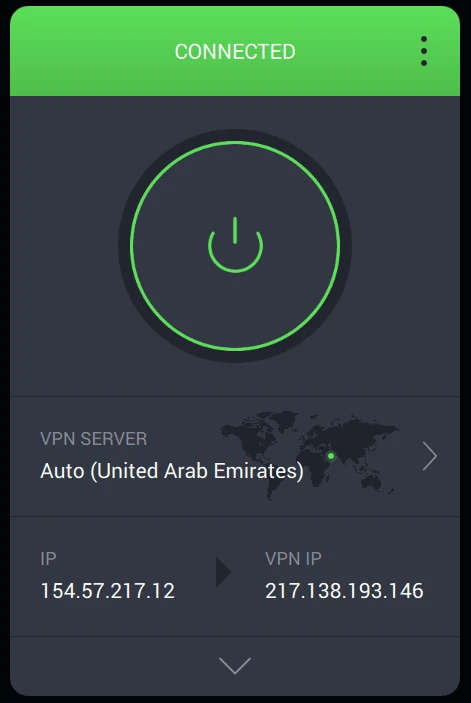
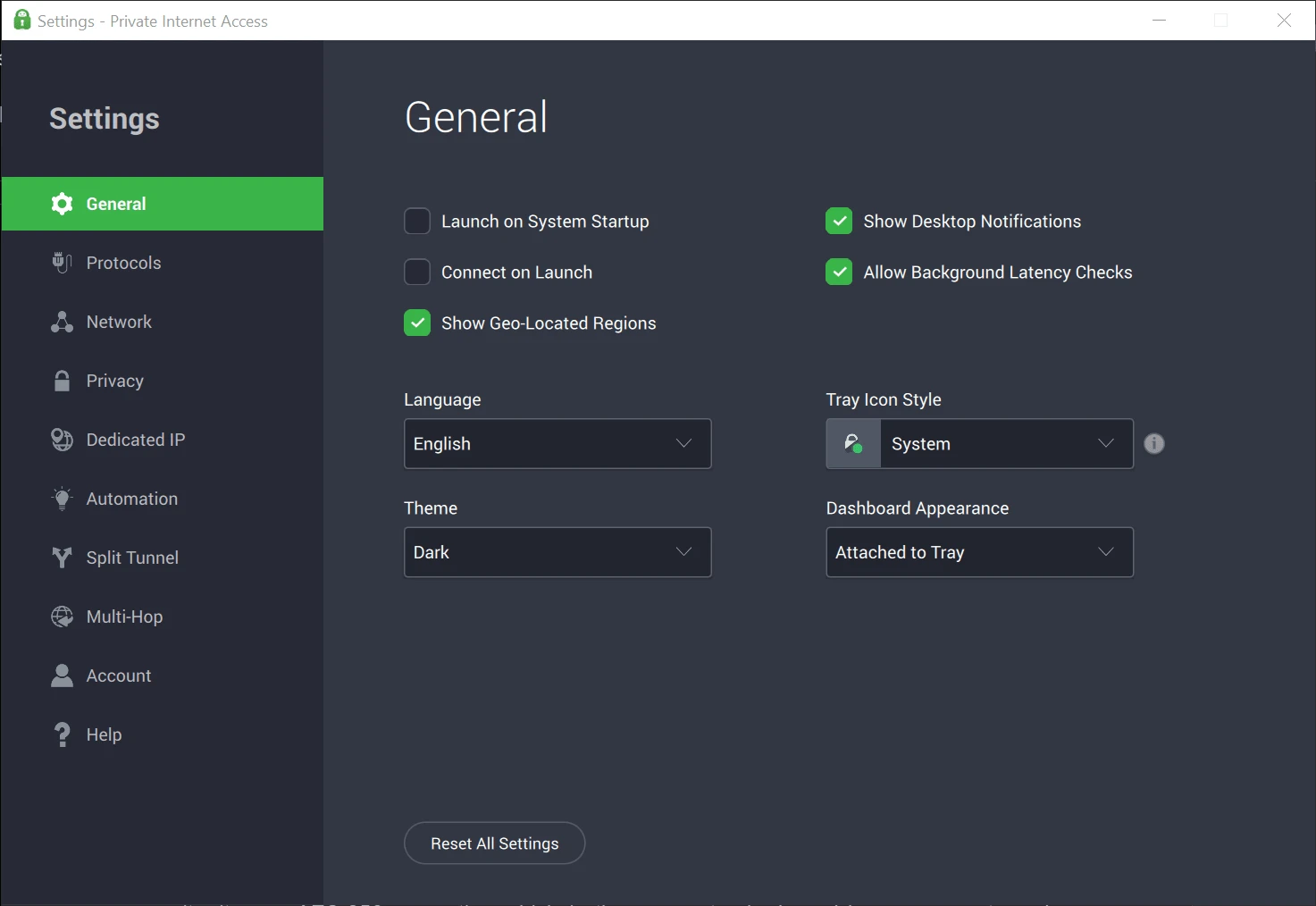
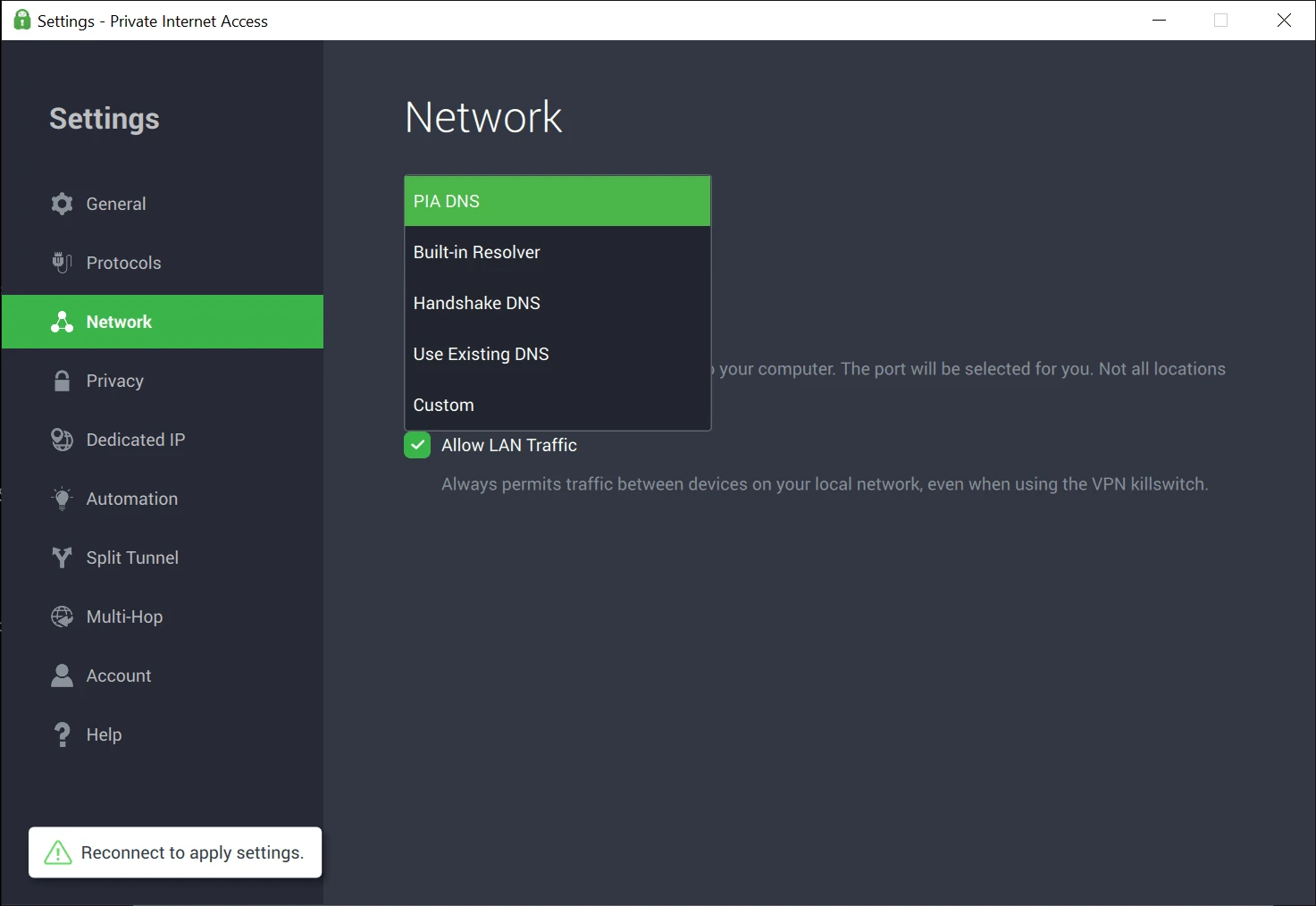
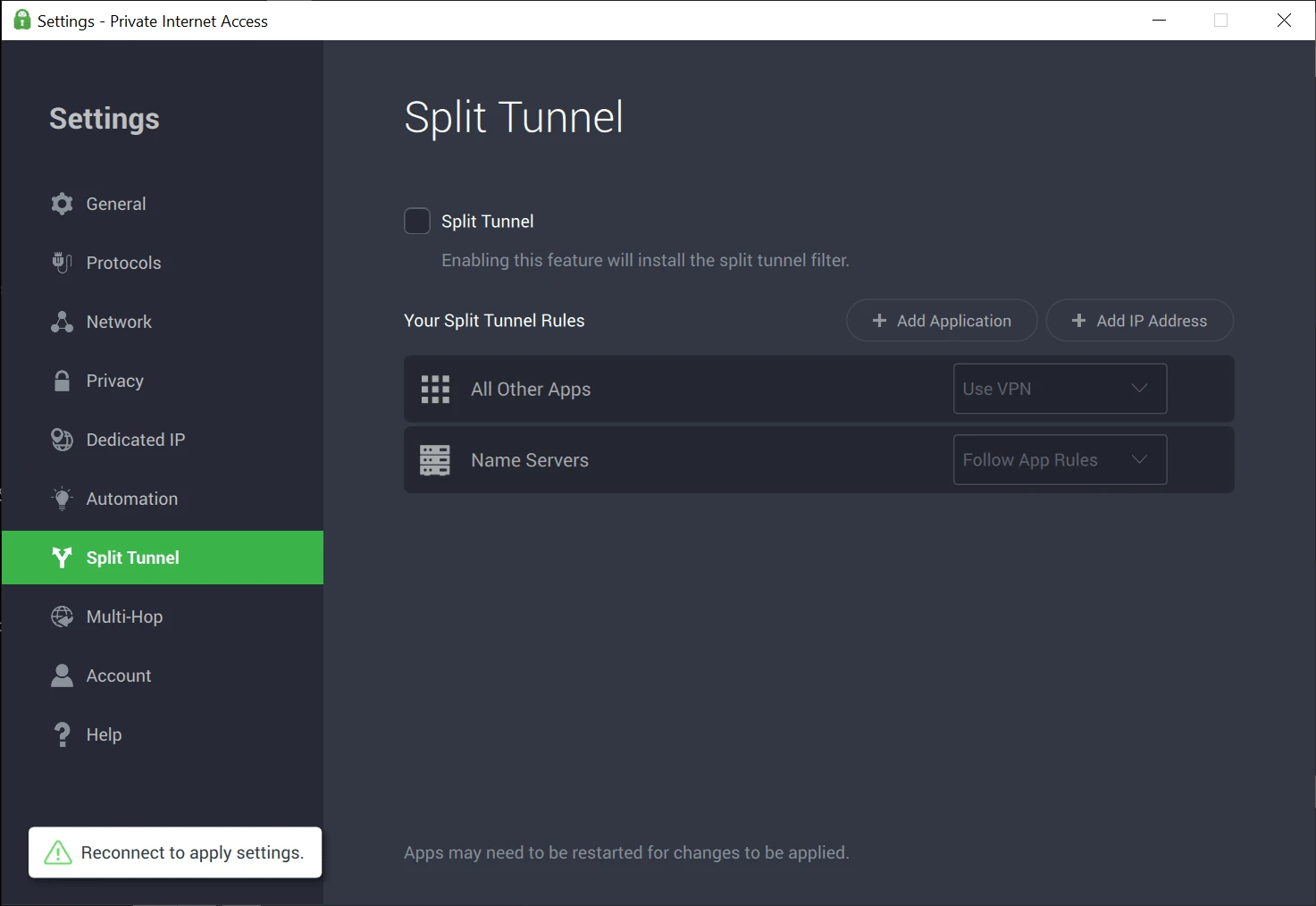
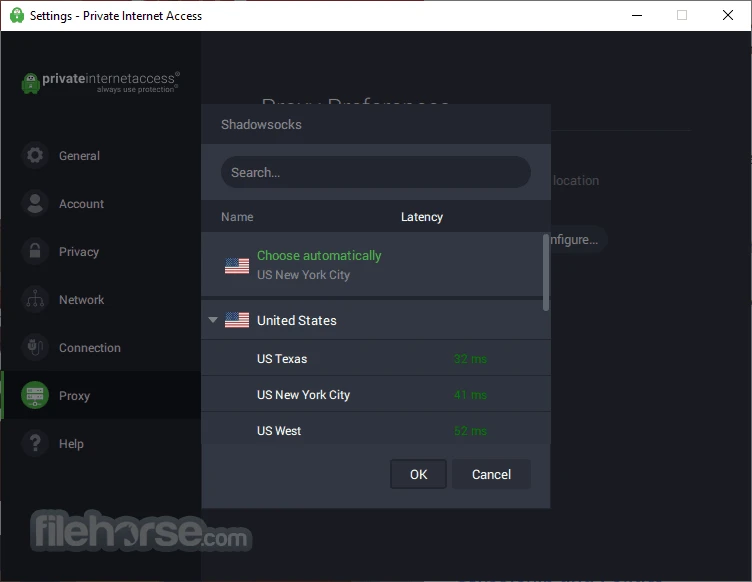
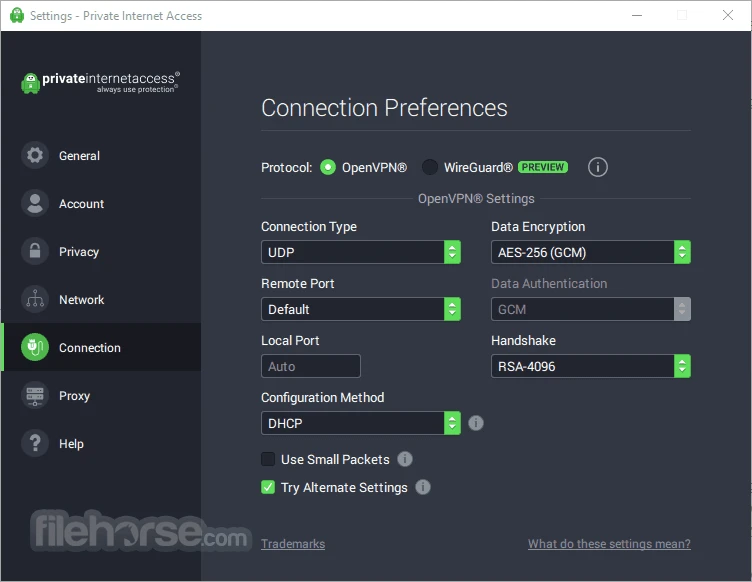
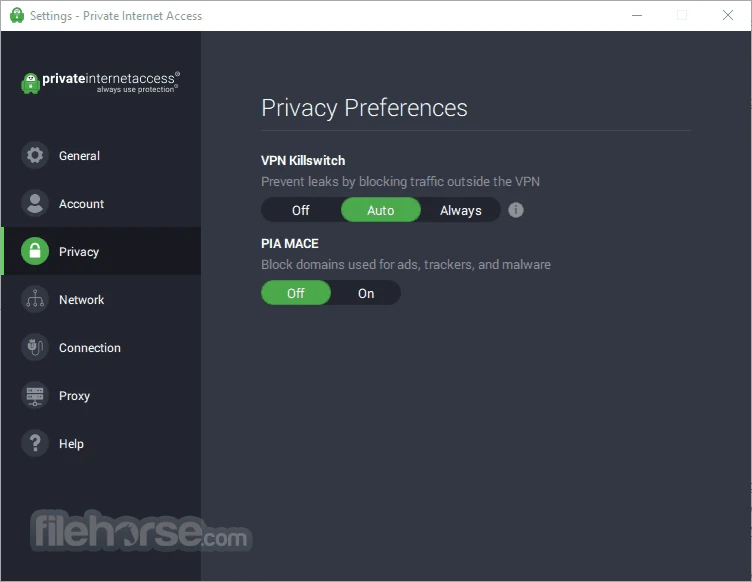
Private Internet Access 3.7.2 for Windows is the desktop app of the PIA virtual private network service. The app is free to download from privateinternetaccess.com, while the VPN itself requires a subscription; below are the answers people usually look for before signing up.
Private Internet Access, or PIA, is a VPN provider founded in 2009 that released its first service in August 2010. Today it is owned by Kape Technologies. A VPN sends your traffic through an encrypted tunnel to one of the provider's servers, so websites see the server's address instead of yours, and people on the same network, such as a hotel or café Wi-Fi, cannot read what you send. PIA's client apps are open source, released under the GNU GPL 3.0 and MIT licences, which lets independent developers inspect how they work. That openness is one of the reasons privacy-minded users look at PIA. The Windows app keeps things simple: pick a region or let it choose one, click the big connect button, and the rest runs in the background. Advanced users can dig into the settings to adjust how connections behave. The company also offers apps for macOS, Linux, Android and iOS, and one subscription covers them.
See the official list of supported operating systems.
The installer is about 23.78 MB according to catalogue data.
The official app is safe and open source. Download it only from the PIA website; fake VPN installers are a known trick. Turn on the option that blocks internet traffic if the VPN drops, if you depend on it for privacy. A VPN does not replace antivirus software, updates or careful clicking.
The installer is free to download, but PIA is a paid service: using the VPN requires a paid subscription and there is no free trial. Longer plans usually cost less per month; check current prices and refund terms on the official site.
Every release of the client is listed in the VPN client changelog.
Other VPN apps for Windows in our listings: Surfshark, NordVPN, ExpressVPN, CyberGhost and Proton VPN.
Psiphon is a free and open-source internet censorship circumvention tool for Windows that connects you to blocked websites through its own network.

1111 Warp VPN is Cloudflare's WARP client for Windows, which encrypts DNS and traffic between your PC and Cloudflare's network.

Turbo VPN for Windows is a VPN client from Innovative Connecting that encrypts your connection and routes it through the provider's servers.

Proxifier is a Windows program by VentoByte that sends the network traffic of any application through a proxy server, even if the app has no proxy settings.

VPN Planet is a Windows VPN client from FreeVPNPlanet with a free option, available from its website and the Microsoft Store.

Radmin VPN is a free Windows program from Famatech that connects computers over the internet into a virtual local network, for LAN games and remote access.

v2rayN is a free, open-source Windows GUI client by 2dust for Xray, v2ray and sing-box proxy servers, with subscriptions and routing rules.

Hotspot Shield is a VPN app for Windows that encrypts your internet connection and changes your virtual location.